Moonshot put a 2.8 trillion parameter model on the internet and told everyone to download it. OpenCode added support for it. Somewhere between those two facts, a lot of people concluded that Kimi K3 in their terminal was going to be free.
It is not, and the guides saying otherwise are mostly guessing.
Here is the honest version: what running Kimi K3 in OpenCode actually costs, the six commands that get it working, and the three ways to use K3 without paying, none of which is the API.
What is Kimi K3, and why does OpenCode care?
Kimi K3 is Moonshot AI's open-weight flagship, released on 16 July 2026. It is a 2.8 trillion parameter Mixture of Experts model with native vision and a one million token context window, activating 16 of its 896 experts per token (Fortune).
Moonshot's own claim is that it performs competitively with the frontier while still trailing Claude Fable 5 and GPT-5.6 Sol overall, and beating everything else it was tested against (CNBC).
OpenCode is a terminal coding agent that is not tied to one model vendor. That is the whole appeal: you point it at whichever provider you want. Kimi K3 is now one of the providers it ships support for, so this is a first-class integration rather than a base-URL hack.
The million token context is the part that matters for coding. It means a large repository can go into the conversation without you building a retrieval layer first.
So is Kimi K3 free?
The model is free to download. Using it is not.
Those are different things and the gap between them is where most of the confusion lives. Moonshot published the weights, which is genuinely open. But running a 2.8 trillion parameter model needs hardware that costs more per month than any API bill you were trying to avoid. For anyone without a GPU cluster, "open weights" means someone else hosts it and charges you.
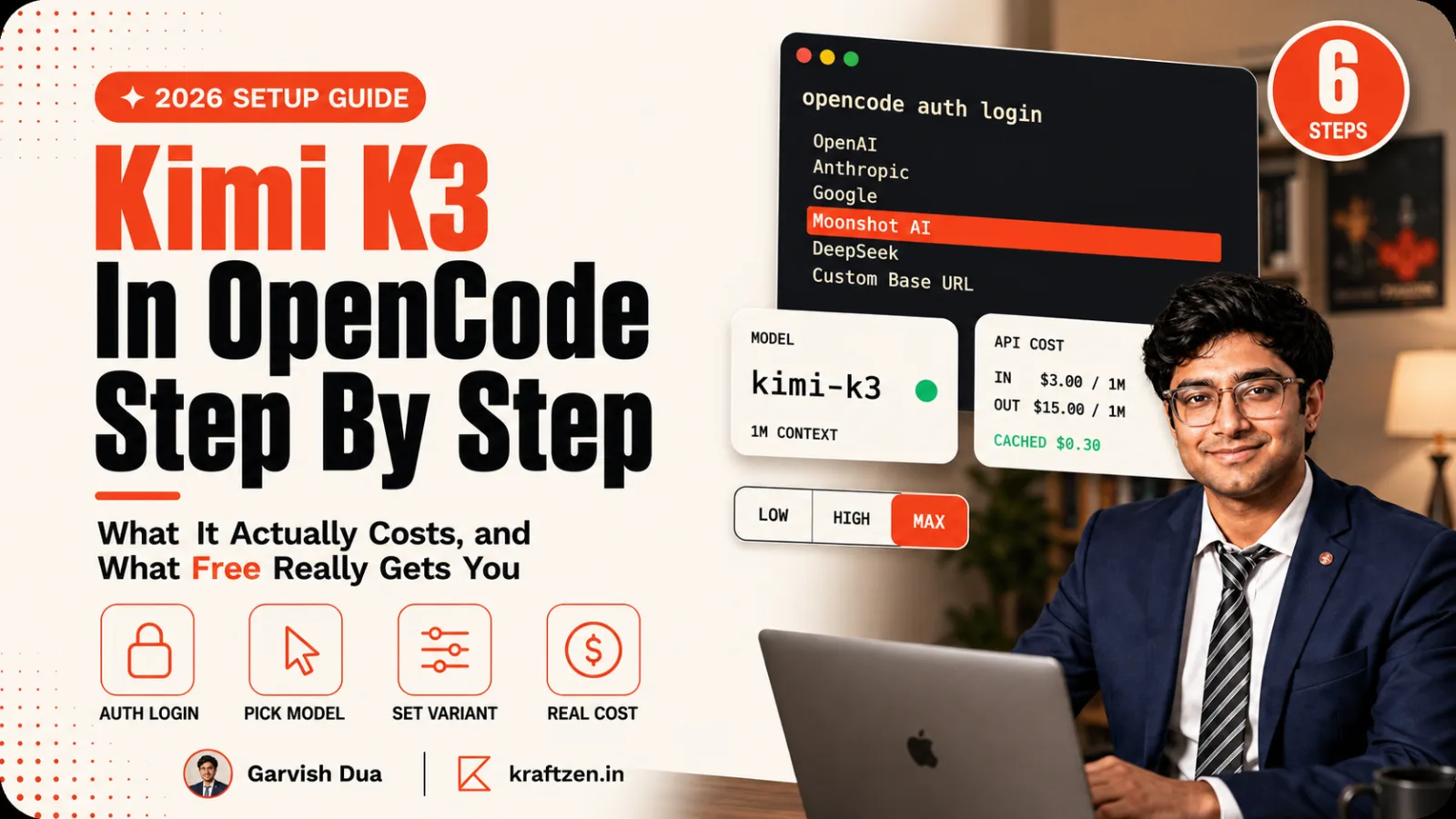
The API is $3.00 per million input tokens and $15.00 per million output tokens, with cache hits dropping input to $0.30 (OpenRouter). OpenRouter and the other tracked providers all list it as paid. There is no free API tier.
The weights are free. The electricity is not. That distinction is the entire answer.
Three ways to use Kimi K3 without paying
None of these gets you K3 inside OpenCode for free. They are worth knowing anyway, because two of them are enough to decide whether you want to pay.
The Kimi app and kimi.com. The consumer product gives you K3 access on a free tier with quotas, tier gates and a smaller context cap than the API. This is the right way to test whether the model is any good at your kind of problem before you put money in. It is a chat window, not an agent in your repository.
The open weights, if you genuinely have the hardware. They are on Hugging Face. For almost everyone this is theoretical, and it is worth saying plainly rather than listing it as a real option. A 2.8T parameter MoE is a datacentre-scale deployment.
Launch promotions, while they last. Moonshot ran a top-up rebate of 10 to 30% through 12 August 2026. Promotions are not a strategy, but if you were going to buy credit anyway, buying it during one is free money.
The thing that actually reduces the bill is not a free tier. It is prompt caching, which drops input from $3.00 to $0.30 on a cache hit, a 90% discount. Coding agents re-send the same repository context constantly, so this is the single biggest lever on what you pay.
How to set up Kimi K3 in OpenCode
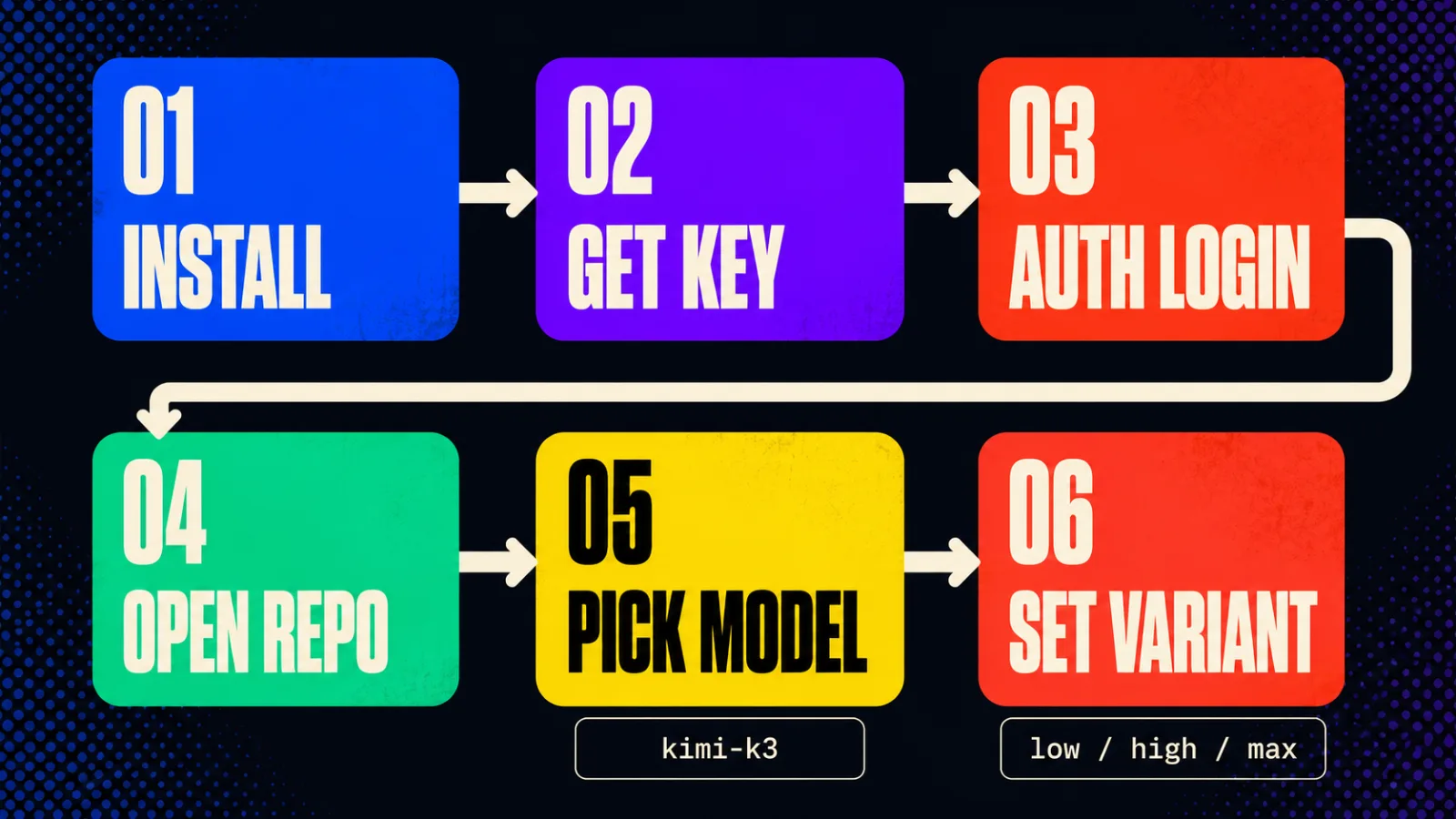
Six steps, about five minutes. You need an account with credit on it first.
-
Install OpenCode if you have not, following the official docs. It is a terminal agent, so there is no editor extension to configure.
-
Create an API key at the Kimi platform console, at
platform.kimi.ai/console/api-keys. The console shows the full key once, at creation. Copy it then, because you cannot go back and read it later. -
Authenticate, and pick Moonshot AI from the provider list when it appears:
opencode auth loginPaste the key when prompted. OpenCode writes it to its own credential store, which is why you do not edit a config file by hand and should not paste the key into one.
-
Start OpenCode in the repository you want it working on:
opencode -
Pick the model. Run
/modelsand search for Kimi K3. The model id iskimi-k3. -
Set the reasoning effort. Run
/variantsand choose one oflow,highormax. The default ismax, which is the most capable and the most expensive. For routine edits, drop it.
The Kimi docs for this are at platform.kimi.ai and are short, which is a good sign.
The gotcha that wastes an afternoon
Vouchers do not work for Kimi K3. You need an actual account balance. Moonshot's own OpenCode guide states this, and it is the failure people hit after signing up, claiming promotional credit and finding the model refuses to run.
If K3 authenticates but every request fails, check the balance before you check anything else. It is not your config.
The second thing to know is that rate limits are tied to your account tier. A new account is on the lowest tier, so a long agent run can hit limits that a funded account never sees. That looks like the agent stalling rather than erroring, which sends people debugging OpenCode instead of their account.
Common mistakes
Assuming open weights means free inference. This is the big one and it is the reason this post exists. Moonshot open-sourcing K3 is a real gift to the field and it changes nothing about what an API call costs you.
Leaving the variant on max for everything. max is the default and it is the most expensive setting on the most expensive part of the bill, which is output tokens at $15 per million. Routine work does not need maximum reasoning effort. Set it deliberately per session.
Putting the API key in a config file or a repo. OpenCode stores credentials itself for exactly this reason. Moonshot's docs call this out directly. A key in a committed config is a key someone else is now spending.
Testing the model through the chat app and concluding it will behave the same as an agent. They are different products. The app has a smaller context cap and no access to your files. Use the app to judge quality, then judge agent behaviour separately.
Ignoring cache hits when estimating cost. A coding agent re-sends the same context on every turn. If you price a project at the cache-miss rate of $3.00 you will overestimate by close to ten times on the input side, and possibly talk yourself out of something affordable.
Key takeaways
- Kimi K3 is open weight and its API is not free. Those are separate facts and conflating them is the most common mistake in this whole topic.
- The API is $3.00 per million input and $15.00 per million output, with cache hits at $0.30 input.
- Genuinely free options are the Kimi app on its quota-limited tier, and self-hosting if you happen to have datacentre hardware.
- Setup in OpenCode is six steps: install, create key,
opencode auth login, open the repo,/models,/variants. - Vouchers do not fund Kimi K3. You need a real account balance, and this is the most common setup failure.
- Prompt caching, not a free tier, is what makes agent usage affordable, at a 90% discount on repeated input.
- Set the reasoning variant per session. Leaving it on
maxspends the expensive side of the bill on routine edits.
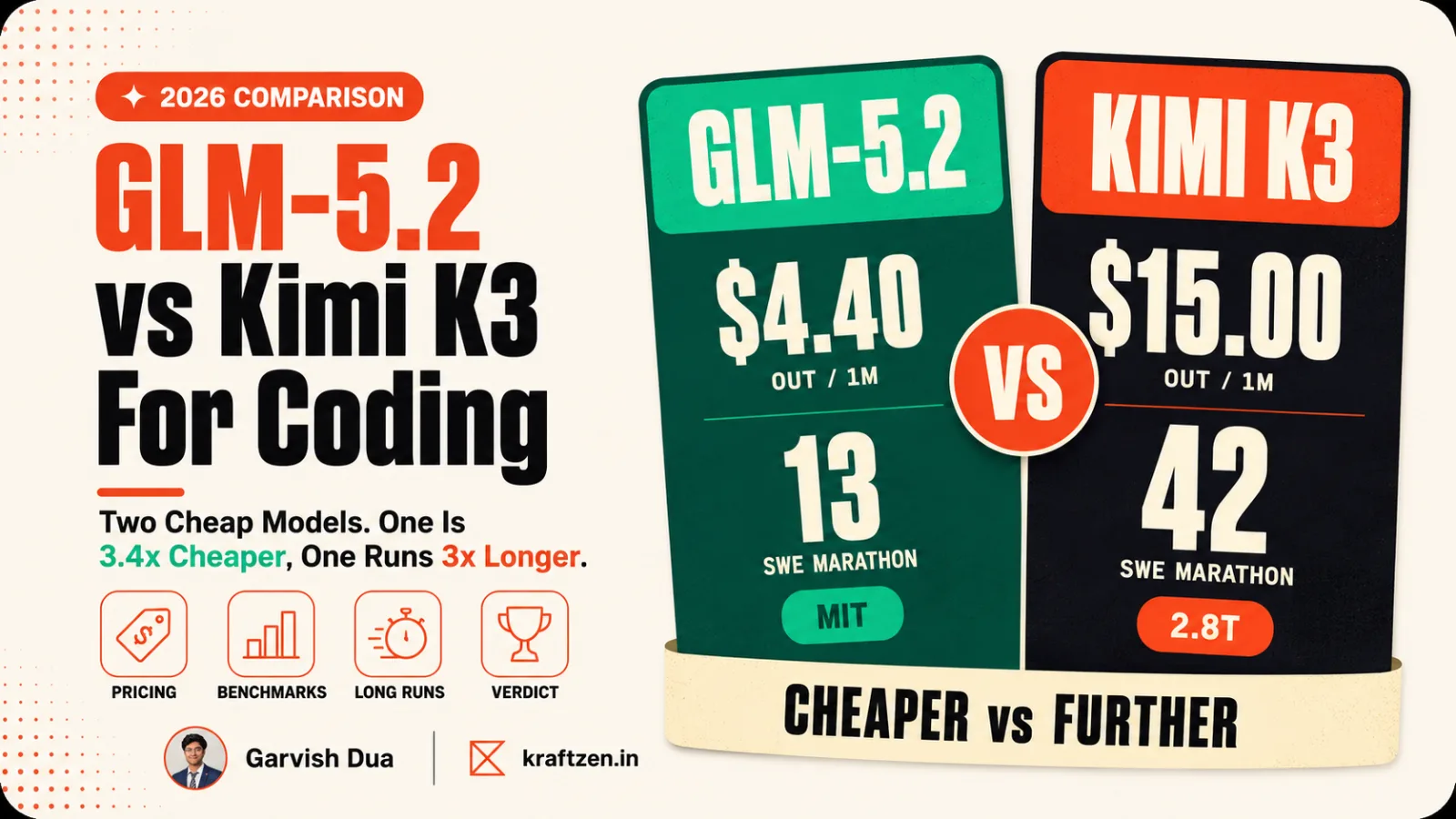
If you are choosing between the cheap frontier models rather than committing to one, our comparison of GLM-5.2 and Kimi K3 for coding covers where each one wins on real workloads. And if what you actually want is an agent wired into your own systems rather than a terminal you drive by hand, that is the kind of build we do.